
MCP Server
Bring Your Favourite AI Assistant to MyFitnessCoach
Build with MFC. Directly from your AI.
Connect MyFitnessCoach to AI tools that support the Model Context Protocol (MCP) and let your AI assistant understand your fitness journey.
Instead of manually explaining your nutrition, calorie goals, or progress, your AI can securely access your MyFitnessCoach data and provide personalized guidance based on your actual health and fitness information.
View Setup Guide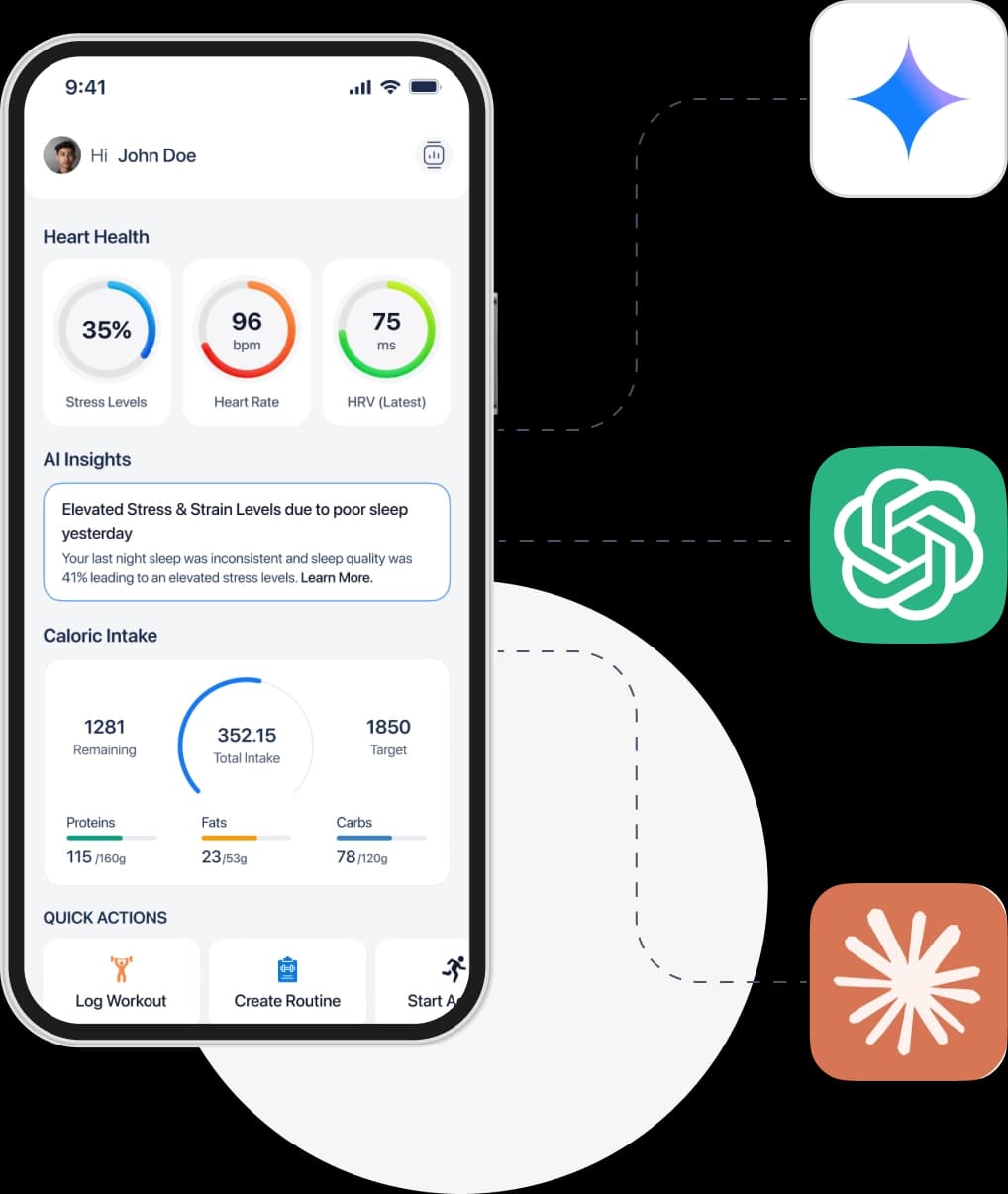
Why Connect MyFitnessCoach?
Your AI becomes a smarter fitness companion
Once connected, your AI can help you understand your data, stay consistent and reach your goals faster.
Nutrition Insights
Get answers about your calories, macros, meals and nutrition habits.
Workout Analysis
Review your workout history, routine and performance trends.
Goal Guidance
Receive personalized recommendations based on your goals.
Stay Consistent
Get support to build better habits and stay on track.
What can you ask your AI?
Real Questions, Personal Answers
Your AI uses your MyFitnessCoach data to give you accurate, meaningful and personalized responses.
Am I eating enough protein to support muscle growth?
You are averaging 112g of protein daily, which is 92% of your daily goal.
How has my weight changed over the last 3 months?
You have lost 2.3 kg in the last 3 months. Great progress!
Which workouts have I completed this week?
You completed 4 workouts this week: Push Day, Pull Day, Legs and HIIT.
Getting Started
Connect in 3 simple steps
Get Registered
Download the app and complete the onboarding questions (age, weight, goals), this is what lets the app and your AI assistant calculate personalized targets.
Configure your AI Tool
Copy the connection details into your preferred AI Application.
https://mcp.myfitnesscoach.fit/mcp
Start Asking Questions
Your AI is now powered by your health and fitness data from MyFitnessCoach.
Works with MCP Compatible AI Tools
Connect with tools you love
MyFitnessCoach works with AI applications that support the Model Context Protocol (MCP).

Perplexity AI

ChatGPT

Gemini

Claude

NotebookLM

DeepSeek